Discovery Mode
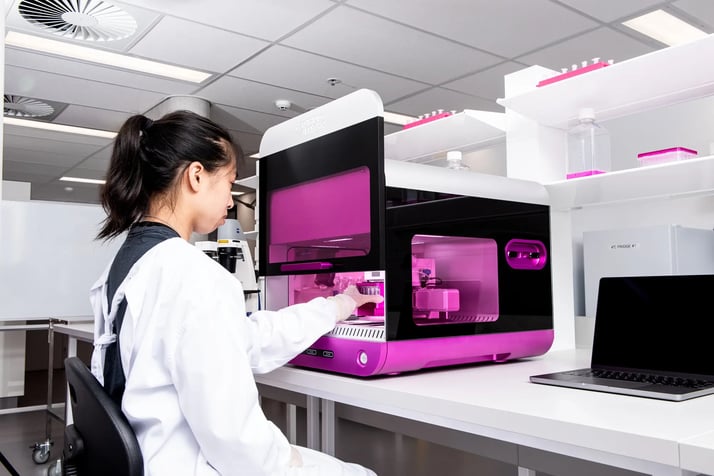
Flexible 3D model development with RASTRUM
Define and refine 3D cell models on RASTRUM using Inventia Life Science best practices, then tailor parameters to match your biology and readouts.
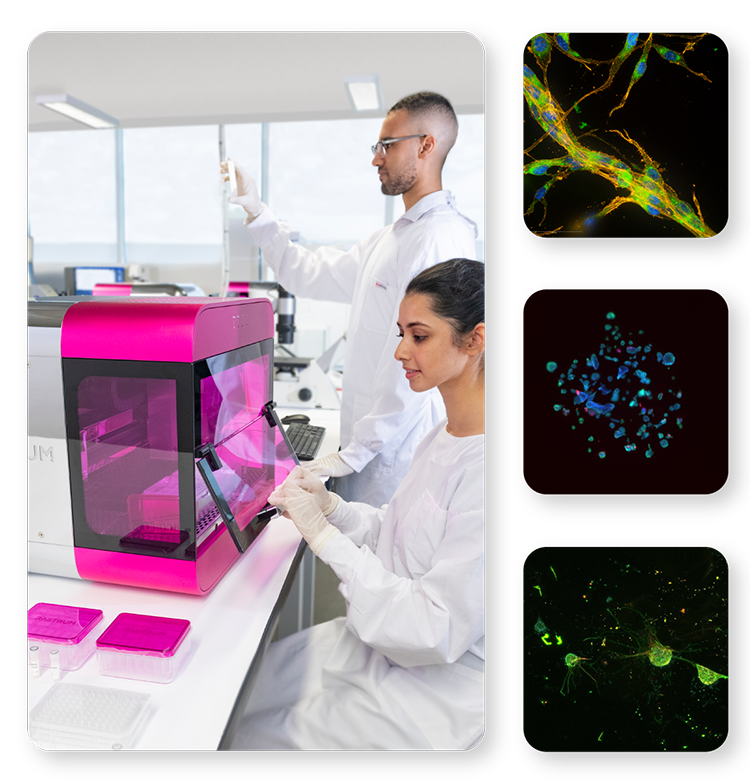
When to Use Discovery Mode
Choose Discovery Mode when you need a model built to your specifications or when no Validated Solution exists for your biology, cells, or constraints.
Use Discovery Mode when you want to:
• Define success criteria, phenotype, functional readouts, and acceptance thresholds
• Fit the model to your cell sources, media, experimental timelines, and downstream assay stack
• Explore multiple architectures and conditions to unlock the biology you need
• Build a workflow that matches your program requirements
• Establish a baseline you can standardize and scale later
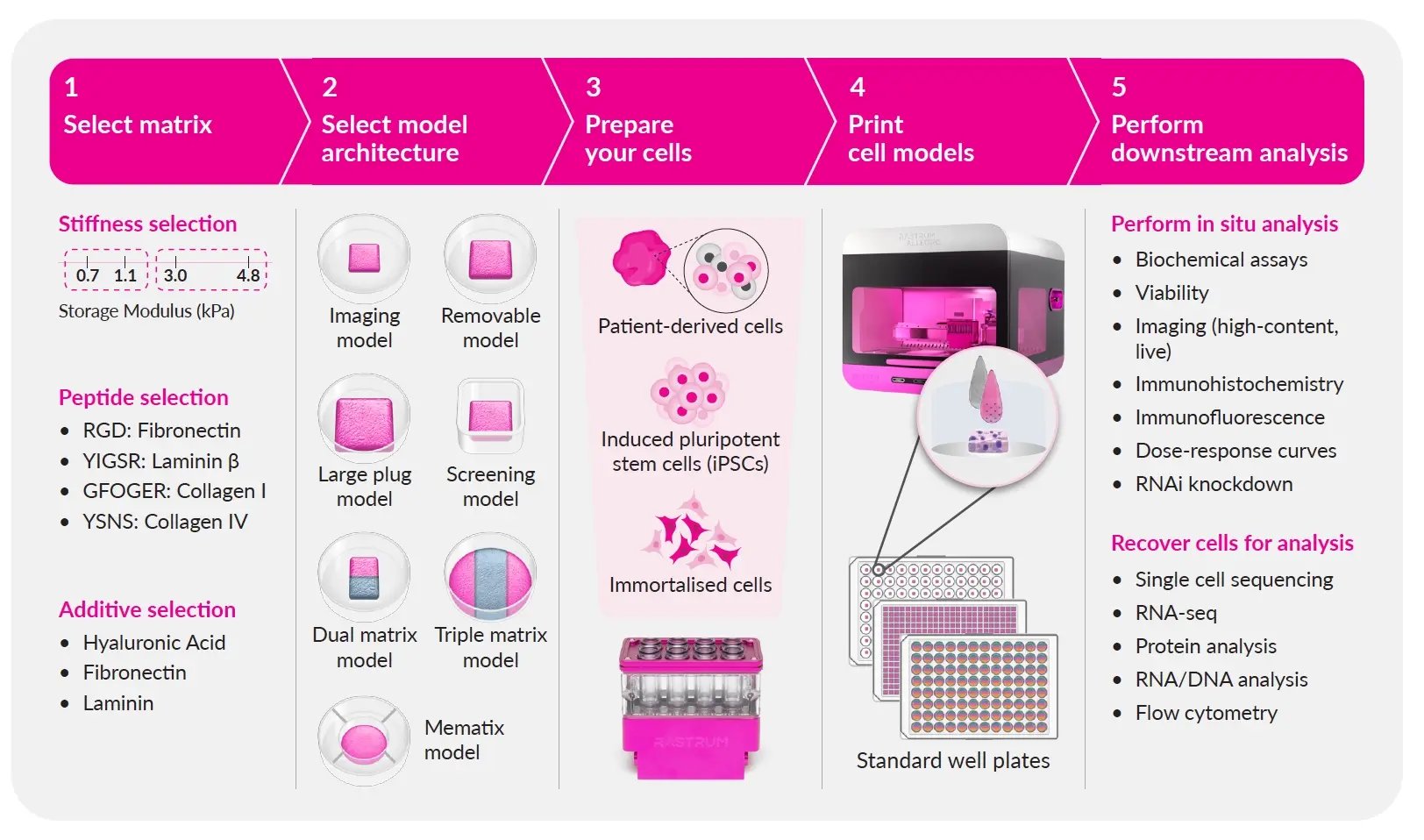
Choose Discovery Mode when you need a flexible starting point, guided by Inventia recommendations, to build a model that matches your biology and program requirements.
How Discovery Mode Works
-
Define your biological objective
Identify the biology, phenotype, and readouts you need.
-
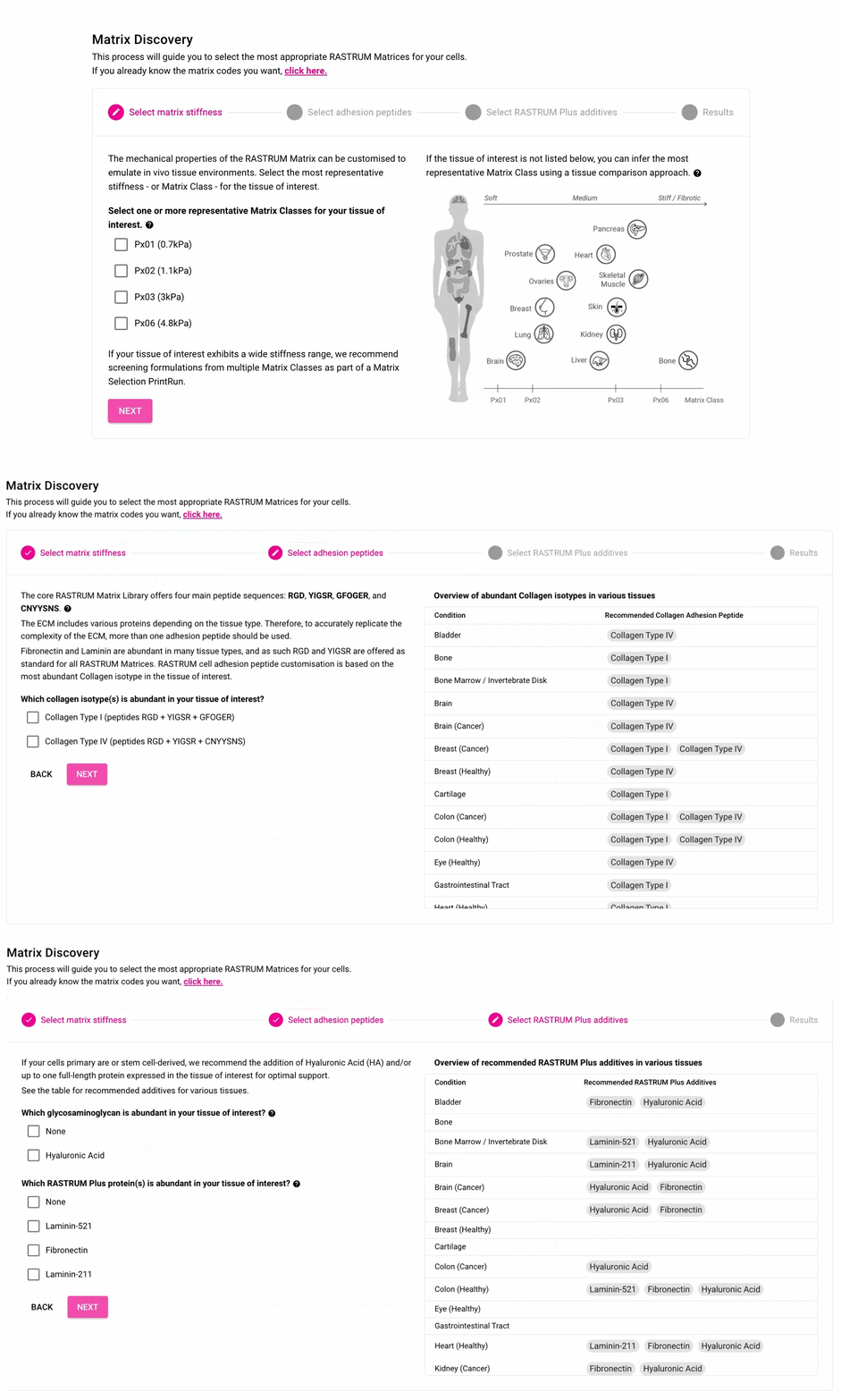
Configure your model in RASTRUM Cloud
Select matrix chemistry, cell model architecture, cell densities, and culture parameters.
-
Build and refine your 3D model
Iterate experimental conditions until the biology is established.
-
Apply QC checkpoints
Confirm model reproducibility and experimental consistency.
-
Execute downstream assays
Integrate imaging, functional assays, perturbation experiments, or multi-omics analysis.
Prefer a proven starting point?
Validated Solutions provide defined build parameters plus functional validation and benchmarks, tied to a specific context of use.